

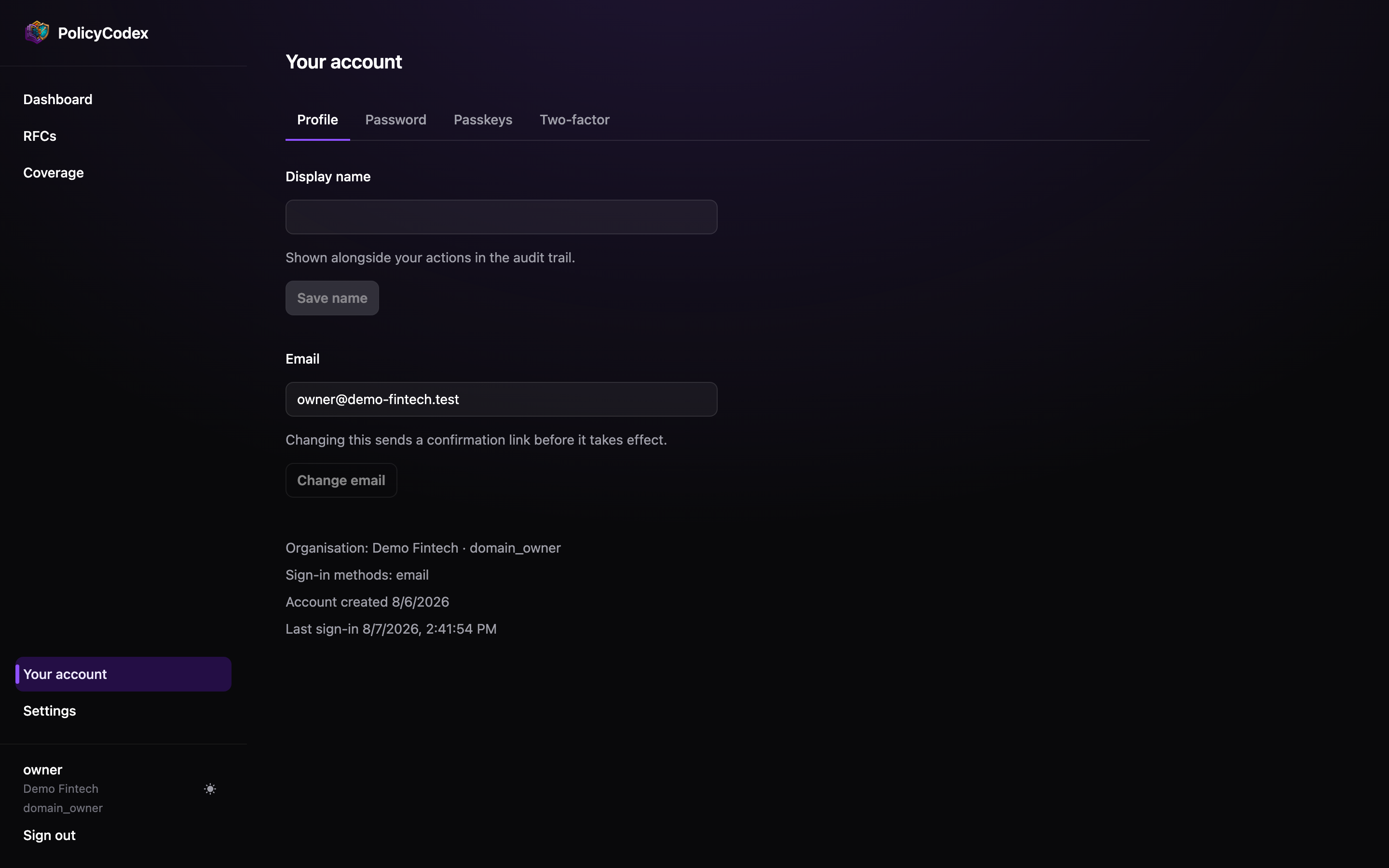
Display name
The name shown against your actions across PolicyCodex — in the sidebar, on review notes, and as the actor on audit trail rows. If you have not set one, PolicyCodex falls back to the local part of your email address. Setting a real name makes the audit trail readable by people who don’t know everyone’s email address by heart, which is most of the point of having one.Your organisation and role
The sidebar footer shows three things beneath your name:- Your organisation
- Your role —
viewer,author,approverordomain_owner
An account belongs to one organisation. If you need access to another, you need an
invitation to it.