

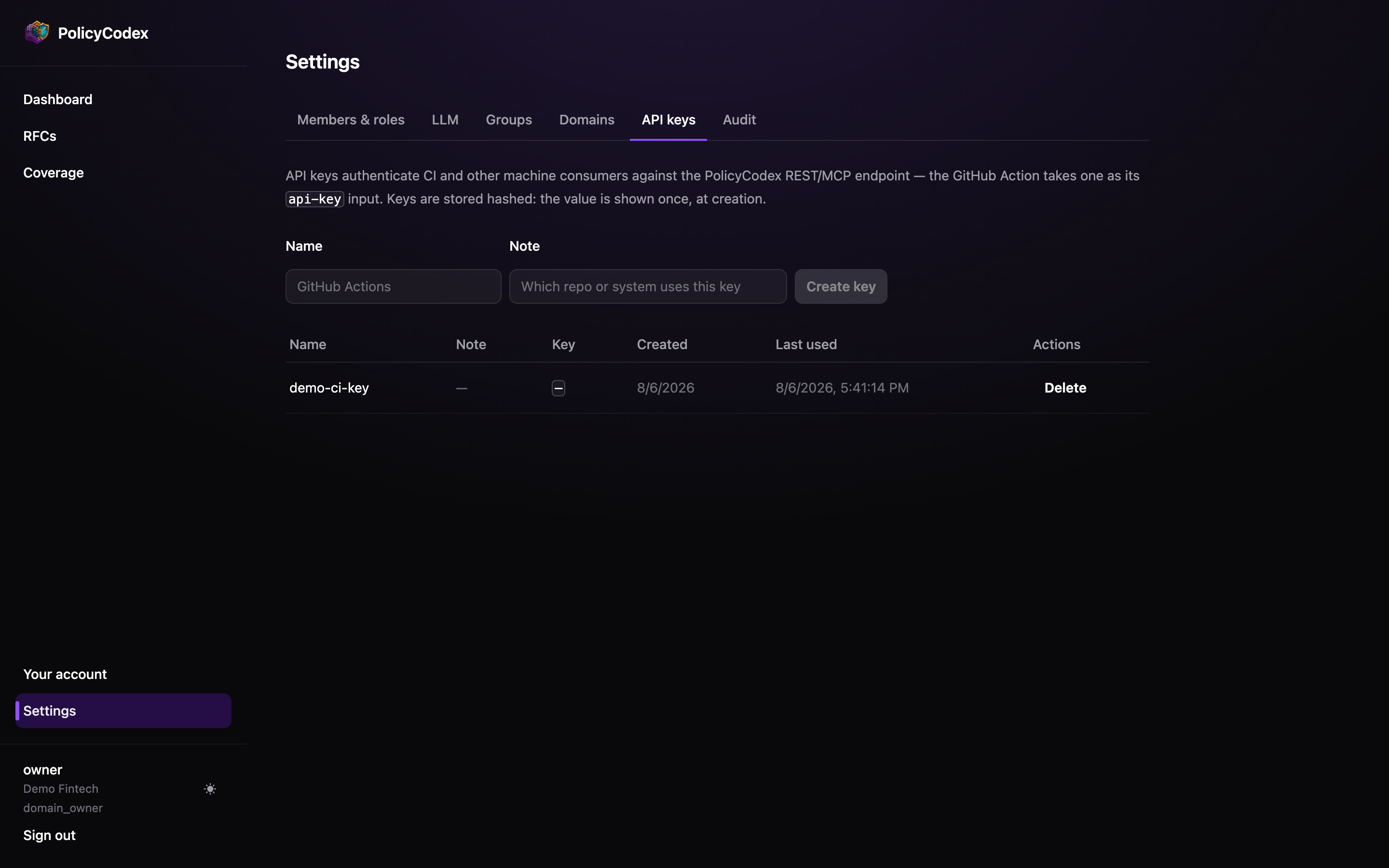
Issuing a key
1
Name it after its consumer
github-action-payments-api, claude-code-platform-team. When you need to revoke
one in a hurry, the name is what tells you which one.2
Add a note
Where it is stored and who owns it. Future you will not remember.
3
Copy it immediately
The full key is shown once, at creation.
Using a key
Pass it as a bearer token:The GitHub App does not use an API key — it
authenticates as itself. Keys are for the Action, MCP clients, and direct REST calls.
Validating a key
Two probes tell you a key is live and scoped where you expect:{"findings": [...], "statements_considered": N}. That N is
the number of enforced statements the key’s organisation exposes — if it isn’t the
number you expect, the key belongs to a different organisation than you think.
Validation probes without a repo field are not recorded, so they never appear in
Reporting → Scope.
Scope
A key is scoped to your organisation and carries the organisation’s full API surface: reading domains, statements and RFCs, compilingAGENTS.md, exporting the audit log,
running compliance checks, and recording violations.
Keys are not per-role or per-domain. Issue one per consumer so you can revoke a single
integration without disturbing the others.
The last-used column
Every key row shows when it was last used. This is the most useful column on the page:Never used
Either the integration was never finished, or it is misconfigured and failing before
it reaches the API. Delete it or fix it.
Stale
A key that stopped being used months ago is an unnecessary credential. Delete it.
Rotation and revocation
Deleting a key takes effect immediately — any consumer using it starts receiving401.
To rotate without downtime:
1
Issue the replacement
Create a new key with a name that marks it as the successor.
2
Update the consumer
Change the secret in GitHub, or the client configuration.
3
Confirm from the last-used column
Wait until the new key shows recent use and the old one has gone quiet.
4
Delete the old key
Now it is safe.