

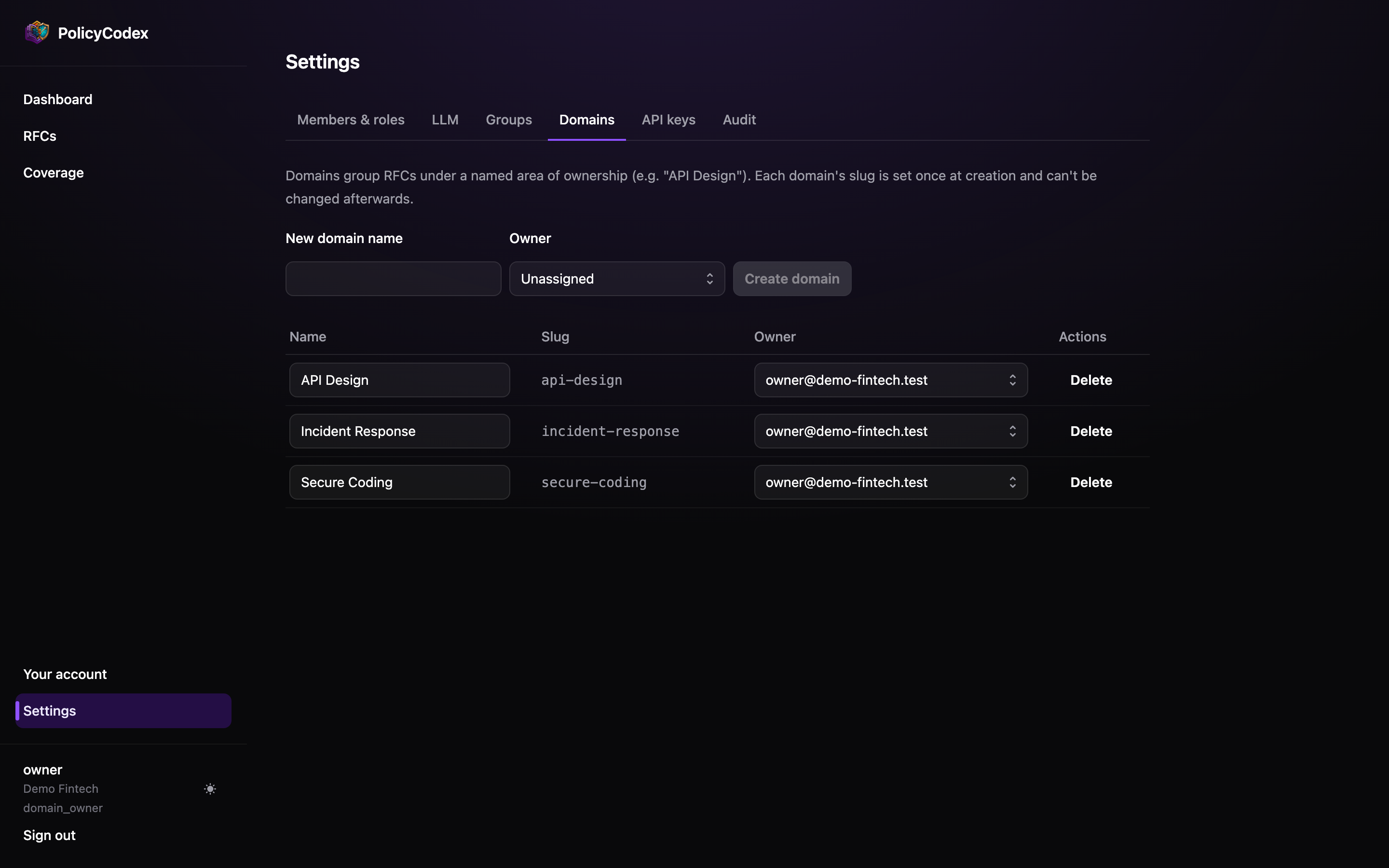
What a domain controls
Approval authority
The domain owner may approve any RFC in the domain, and is the only role that can
promote one to
enforced.Agent and CI scoping
Agents and pipelines filter by domain slug. A service can be checked against
api-design alone rather than the whole corpus.Compiled structure
AGENTS.md is sectioned by domain, so domains become the headings agents read.Reporting breakdowns
RFC impact counts domains impacted by failing statements,
which is how you see where non-compliance is concentrated.
Fields
Choosing domains
Cut along ownership, not topic. The test is whether one person can reasonably be accountable for every standard inside it.Start with three or four
Start with three or four
api-design, secure-coding, incident-response covers most organisations’ first
six months. Add domains when a real owner exists for one, not in anticipation.One owner, genuinely
One owner, genuinely
A domain nobody owns accumulates RFCs that sit at
proposed forever. If you can’t
name an owner, you’re not ready for the domain.Avoid a catch-all
Avoid a catch-all
A
general or misc domain becomes where standards go to be ignored — nobody owns
it, so nothing in it gets promoted.Match how you scope CI
Match how you scope CI
If two subject areas will always be checked together by the same pipelines, they can
probably be one domain.
Deleting a domain
Domains with RFCs attached should not be deleted — move the RFCs first using Change number / domain on each RFC page.Moving an
approved or enforced RFC to a different domain resets it to proposed for
re-approval. Changing the domain changes who is accountable, which requires fresh
sign-off from the new owner.domain.created.