

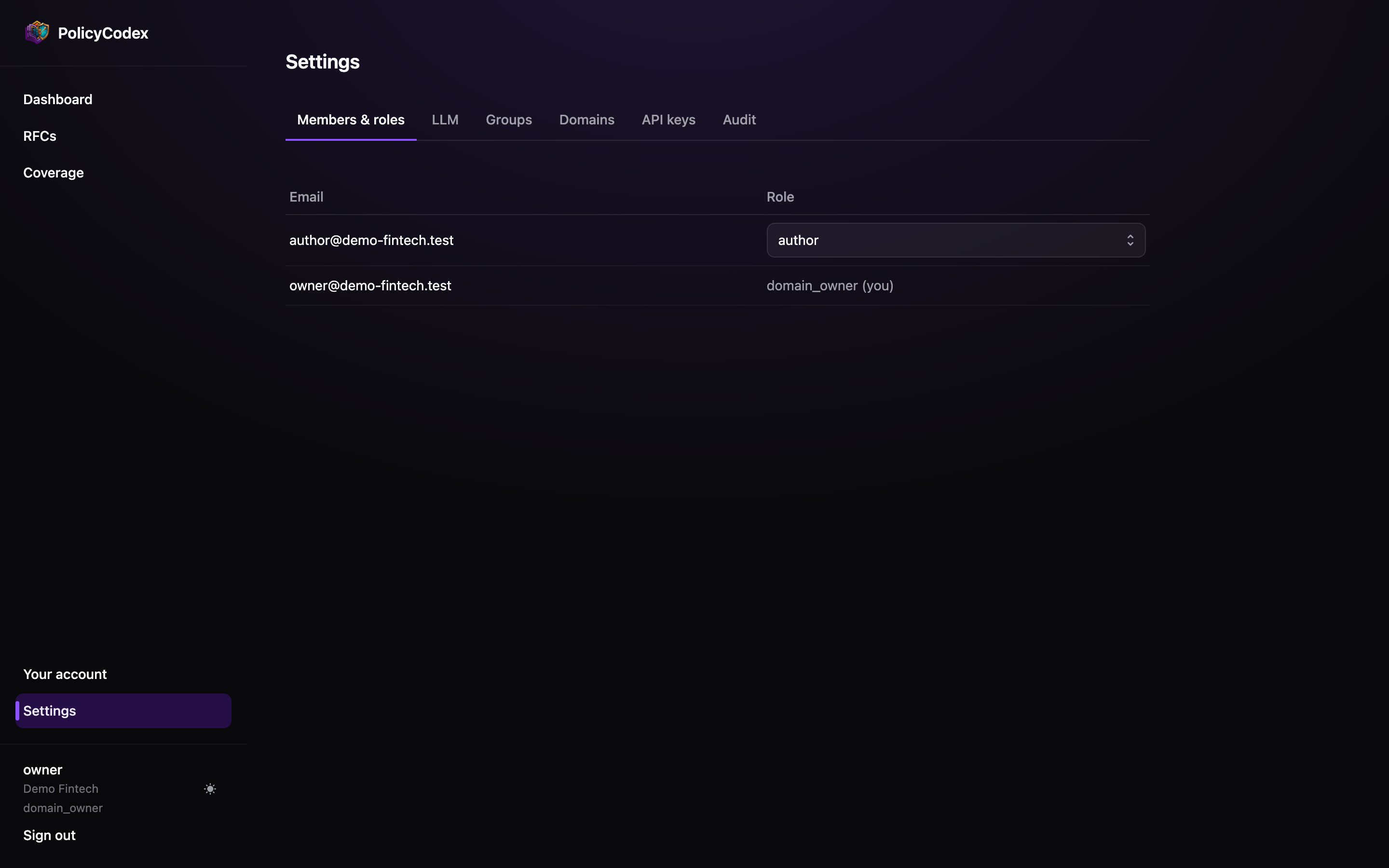
The roles
Roles are cumulative — each includes everything below it.viewer
viewer
Read-only. Sees RFCs, statements, the dashboard, Reporting and the
audit trail. Cannot create or change anything.The right role for most engineers: they need to read the standards, and their
agents and CI pipelines read them via API keys rather than user accounts.
approver
approver
Everything an author can do, plus submit reviews and approve RFCs where they belong to
the assigned reviewer or approver group.Cannot promote to
enforced — that is a domain owner action.domain_owner
domain_owner
Full authority. Approves anything in their domain regardless of group assignment,
promotes to
enforced, deprecates and archives, assigns reviewer and approver groups,
and manages every Settings tab.Changing a role
Domain owners change a member’s role from the selector on their row. The change takes effect on the member’s next request — roles are read from the database on every call, not baked into a session token — and is recorded in the audit trail asmember.role_changed.
You cannot change your own role. That is what stops an organisation from ending up with
no domain owner at all: the last one standing can never demote themselves.
Adding members
Invite people from the Membership panel at the bottom of the same tab. A new member starts as Viewer — read-only — and stays there until a domain owner gives them a role in the table above. That default is deliberate: joining an organisation should never grant the ability to change what agents must follow.Roles versus groups
These are two different mechanisms and both matter:
A member needs the
approver role to approve anything at all, and membership of the
RFC’s assigned approver group to approve that RFC. Domain owners bypass the second
requirement within their own domain.
See Groups.
Suggested shape
Small organisation
Two or three
domain_owners (never one), a handful of authors, everyone else
viewer. Skip groups until the volume justifies them.Larger organisation
One
domain_owner per architecture domain, approver for staff engineers,
author for anyone contributing standards, viewer by default. Use groups to route
review.