

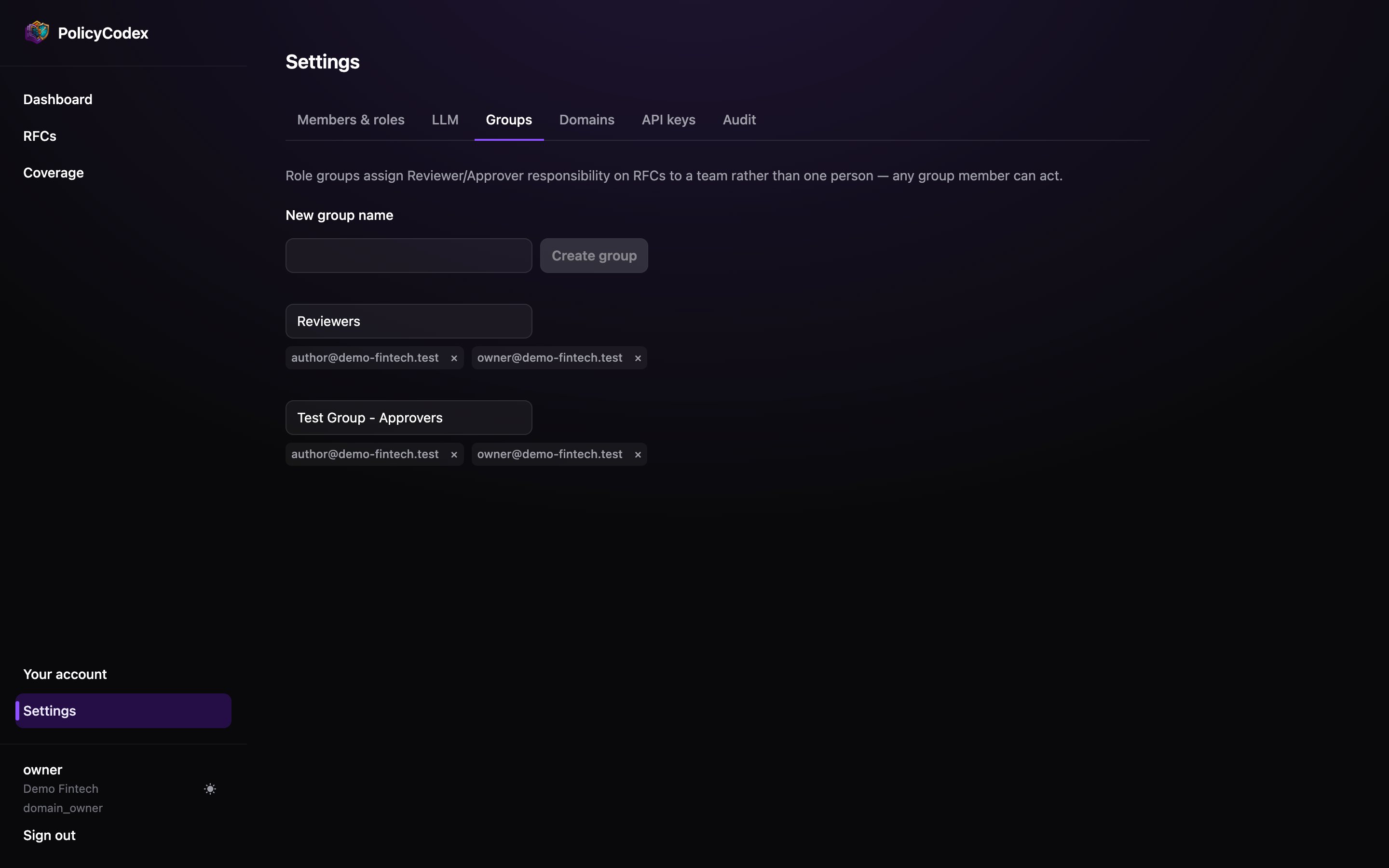
Why groups rather than people
Assigning an RFC to a named individual works until that individual is on leave, changes team, or leaves the company — at which point every document they were named on is stranded, and the audit trail shows a review step that never completed. Groups solve that. Assign to API Reviewers, change who is in it over time, and the assignment on every RFC stays valid.Managing groups
1
Create
Name the group after the responsibility, not the people — “Security Approvers”, not
“Sam and Priya”.
2
Add members
Pick from the organisation’s members. Membership changes are recorded in the audit
trail as
role_group.member_added and role_group.member_removed.3
Rename
Groups can be renamed without breaking existing RFC assignments — the assignment
follows the group, not its label.
Assigning a group to an RFC
The domain owner sets the reviewer and approver groups on the RFC page. See Review and approval.Group membership grants responsibility, not capability. A member still needs the
approver role to approve anything — see
Members and roles. Being in an approver group without the
approver role does nothing.Designing your groups
Keep them small
Keep them small
Three or four people who genuinely work in the domain. A group of twelve is a group
where everyone assumes someone else is reviewing.
Separate reviewers from approvers
Separate reviewers from approvers
Reviewing is a technical read; approving is an accountability decision. Using the same
group for both collapses the two-person check that makes the audit trail meaningful.
Align to domains
Align to domains
A group per architecture domain is the pattern that scales — the people who should
review API standards are rarely the ones who should review incident response.
Review membership periodically
Review membership periodically
Stale groups are the quiet failure mode: an RFC sits at
proposed for a fortnight
because everyone assigned to review it changed teams in March.