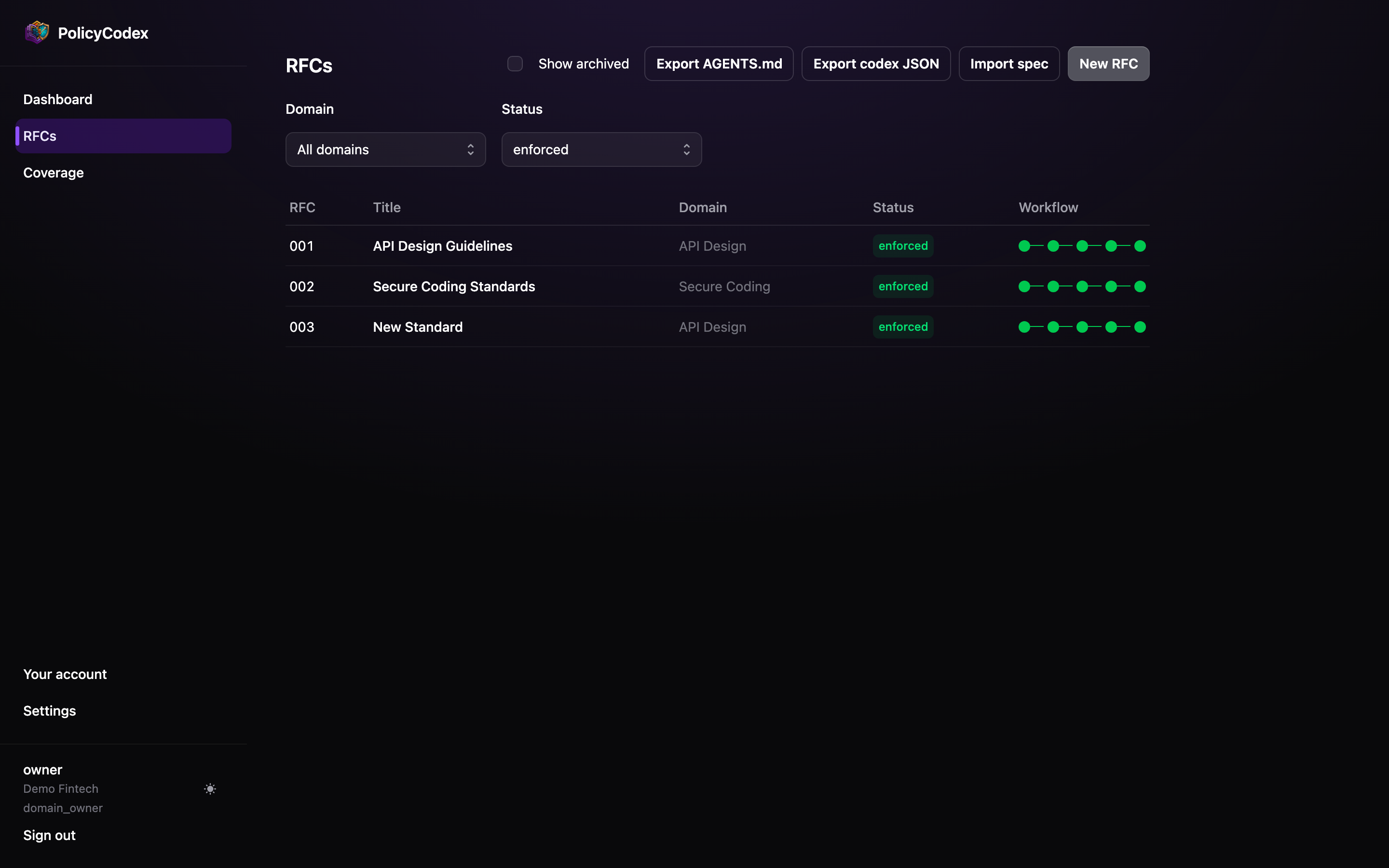

Create it
From RFCs, choose New RFC. Pick the architecture domain it belongs to — this decides who can approve it and where it lands in the compiledAGENTS.md — and the
editor opens pre-filled with a scaffold.
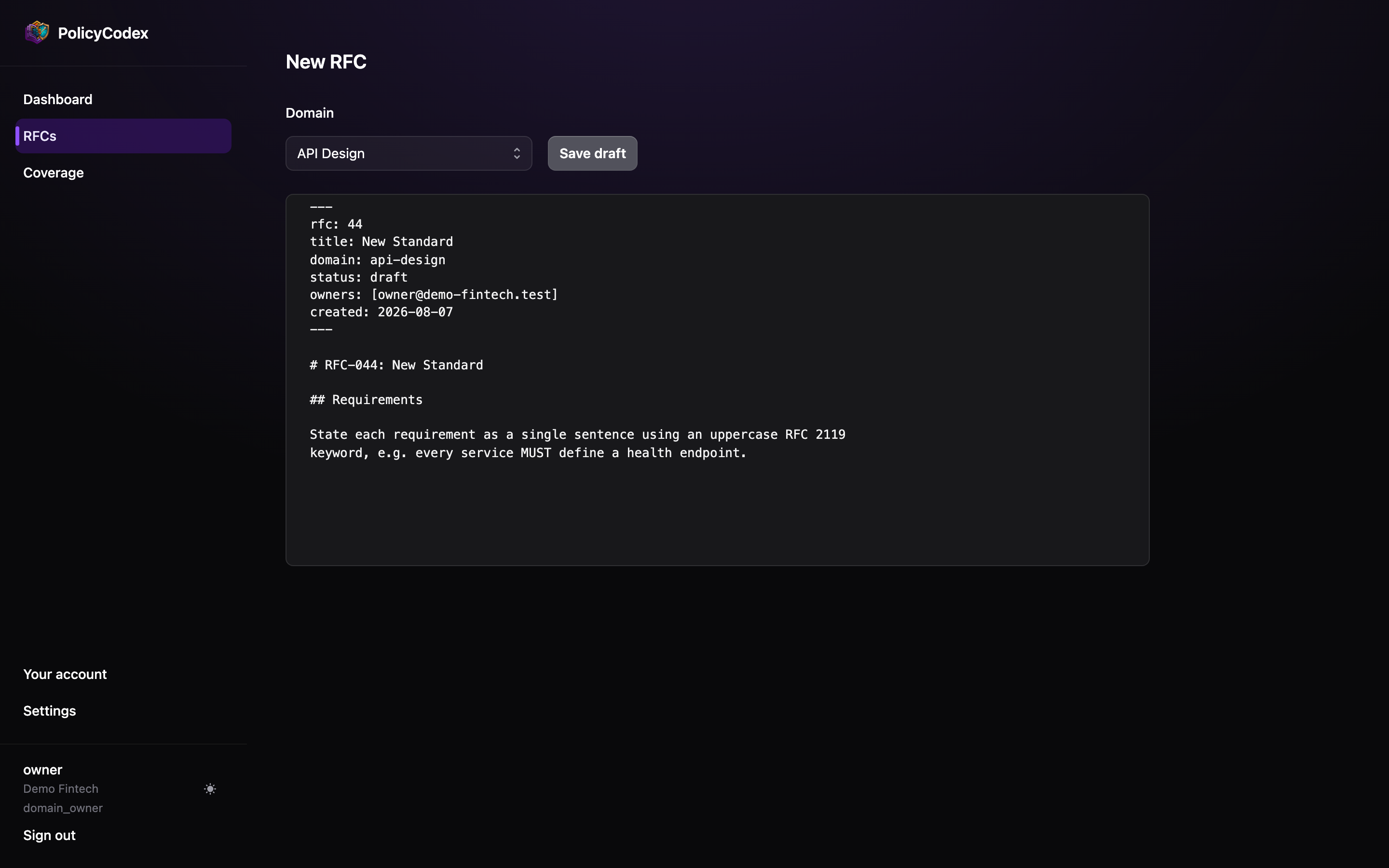
Frontmatter
Every RFC carries this block at the top of the document, validated on save:status in the frontmatter is a record of the lifecycle state, not a way to change it.
Editing it here does not promote the RFC — use the lifecycle buttons, which write audit
rows.Write the body
Use## headings for sections. Statement extraction uses those headings to record where
each requirement came from, so structure earns its keep — group related requirements
under a heading that describes them.
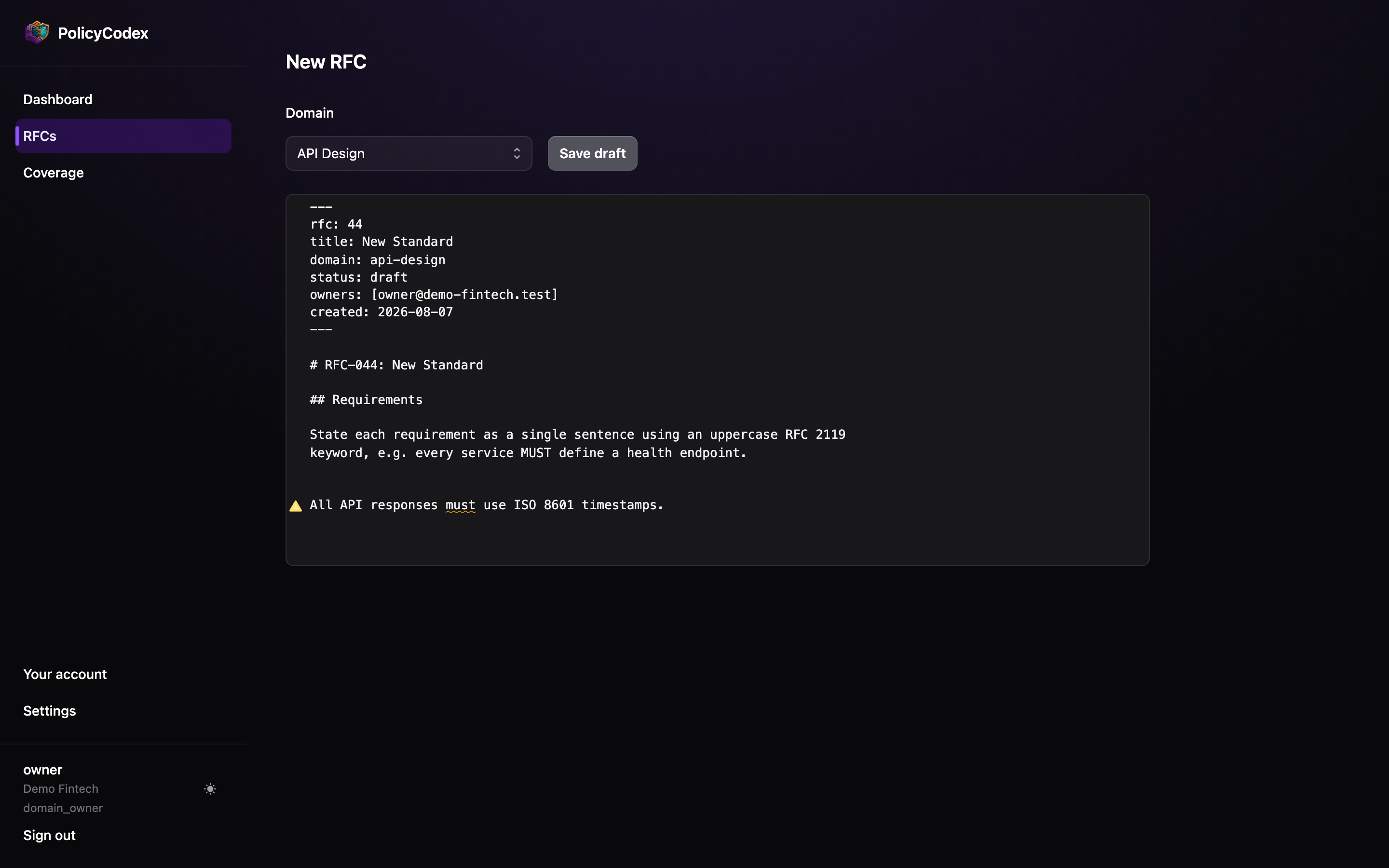
State each requirement as one sentence containing one uppercase RFC 2119 keyword:
Live linting
The editor lints as you type. Lowercase requirement words are the most common mistake —must is prose, MUST is a rule — so they are underlined with a warning in the gutter.
Save revisions
Save revision writes a new immutable revision. The previous one is never modified, which is what lets the audit trail point at the exact text that was approved. The revision number is shown under the title on the RFC page.Propose it
When the draft is ready, choose Propose on the RFC page. That moves it fromdraft
to proposed, writes an audit row, and puts it in front of reviewers.
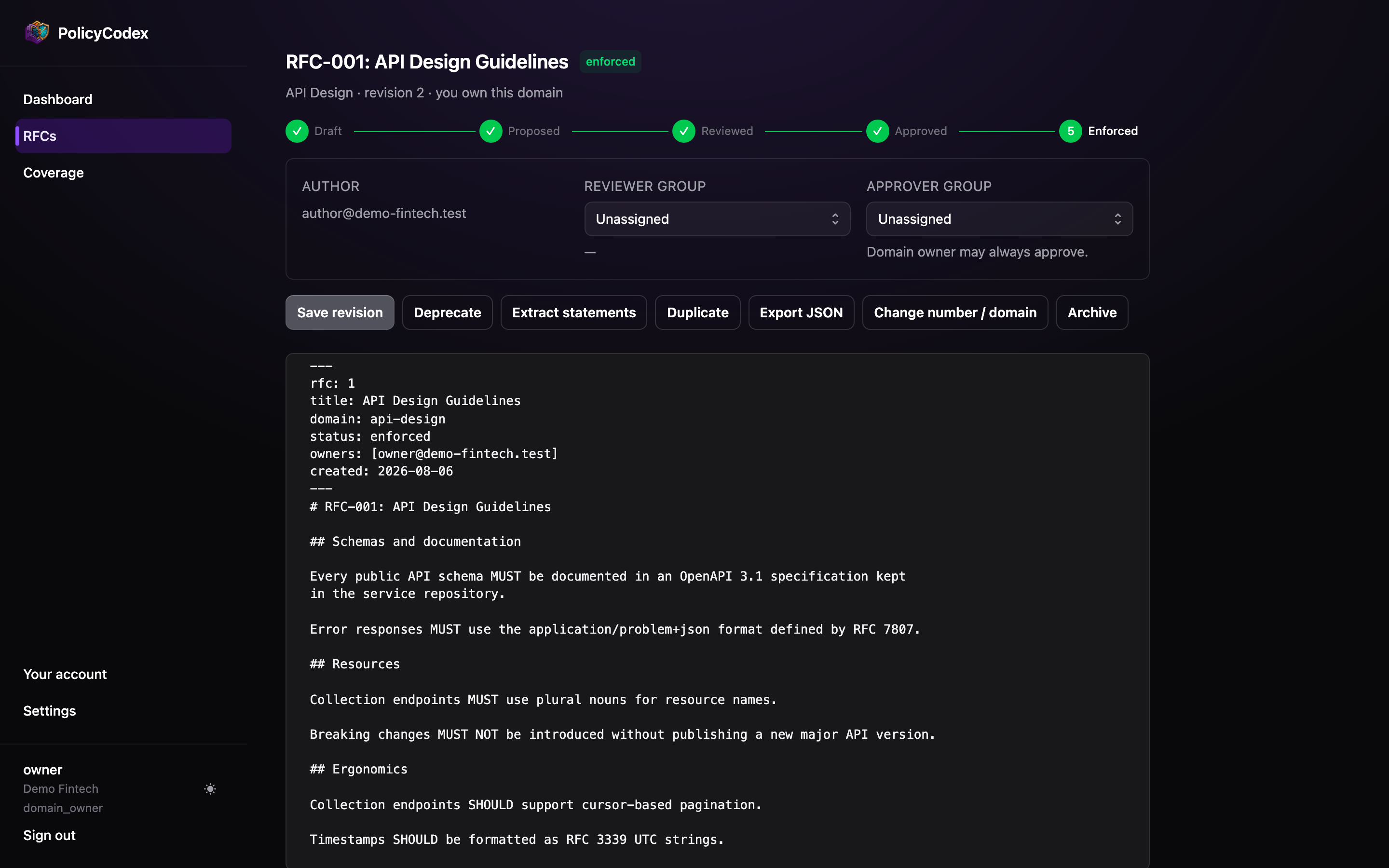
Other actions
Duplicate
Duplicate
Copies the RFC into a new draft with a fresh number. Useful for splitting an
overgrown document, or for basing a new domain’s standard on an existing one.
Export JSON
Export JSON
Downloads this RFC’s current revision as JSON — the same format the
spec importer accepts.
Change number / domain
Change number / domain
Organisation admins can renumber an RFC or move it to a different domain. If the RFC
is already
approved or enforced, applying the change resets it to proposed
for re-approval — moving a document to a new domain changes who is accountable for it.Archive
Archive
Hides the RFC from the default list without deleting anything. Domain owners can
archive and unarchive; tick Show archived on the RFC list to see archived rows.
Finding an RFC
The RFC list filters by domain and by lifecycle status, and shows each document’s position in the workflow at a glance.