

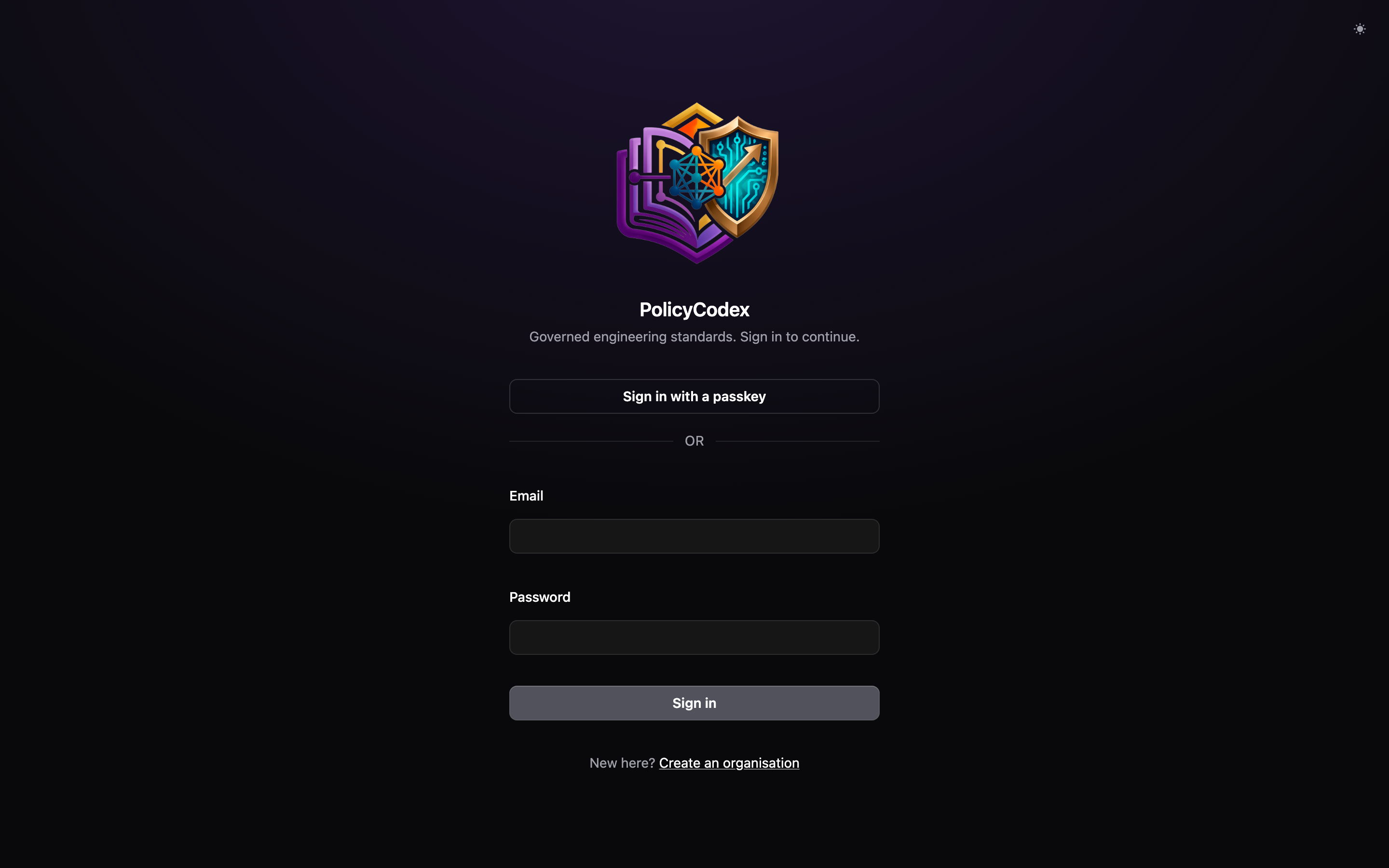
Two ways in
- Passkey
- Email and password
If your browser or device supports passkeys, Sign in with a passkey is offered
first. There is no email field: the browser picks the credential, and the credential
identifies the account.Register a passkey from Your account → Passkeys once you are
signed in.
Two-factor challenge
If your account has a verified second factor, either route lands you on a challenge screen before the app loads. This is enforced on every route, not just the sign-in page — reloading mid-session re-presents the challenge rather than walking you into the app. Enter the code from your authenticator app to continue. See Account security to enrol or remove a factor.Creating an organisation
Choose Create an organisation from the sign-in screen if you are starting fresh.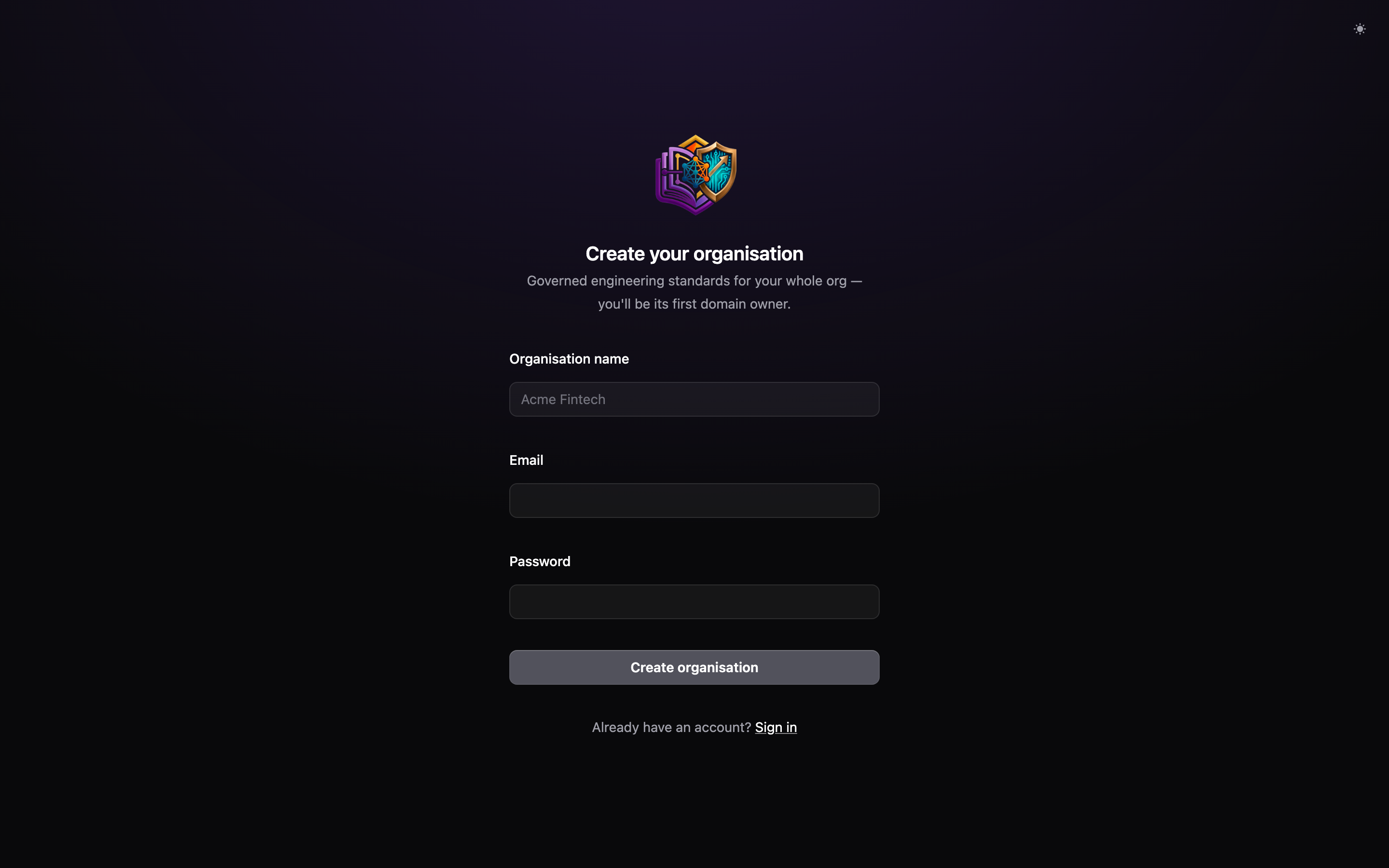
domain_owner, which means you can immediately
create domains, invite members, and approve RFCs. Your next steps are usually:
1
Create your domains
Settings → Domains. Start with two or three; you can add more later.
2
Configure the LLM
Settings → LLM. Statement extraction and PR compliance checks both need
this.
3
Seed the corpus
Use a starter template or import an existing document
rather than starting from a blank page.