

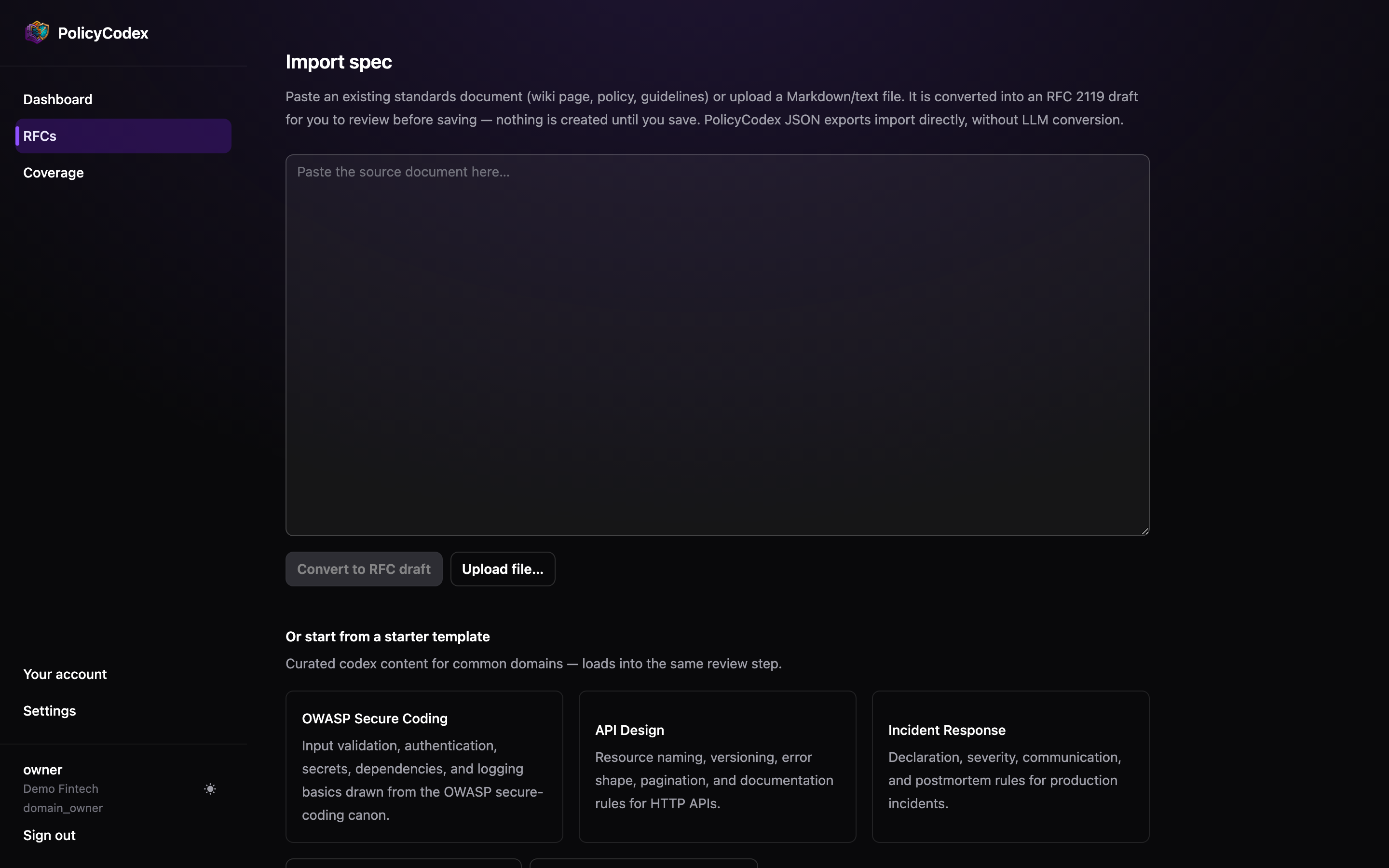
Import an existing document
From RFCs → Import spec, paste a wiki page, policy document or set of guidelines, or upload a Markdown/text file. PolicyCodex converts it into an RFC 2119 draft.Nothing is created until you save. The conversion produces a draft you review first —
you choose which parts to keep, and you can edit before it becomes an RFC.
What conversion does
- Restructures prose into sections with
##headings - Rewrites requirements as single-sentence, uppercase RFC 2119 statements
- Generates frontmatter with the next free RFC number
What to check before saving
Level choices
Level choices
The converter has to infer whether something was meant as a
MUST or a SHOULD
from prose that probably didn’t distinguish them. Read every level.Invented requirements
Invented requirements
Conversion should restructure, not author. Delete anything that wasn’t in your source
document.
Scope
Scope
Large documents often want splitting into several RFCs, one per domain, rather than
landing as one sprawling standard.
Start from a template
Below the paste area are curated starter templates for common domains — OWASP Secure Coding, API Design, Incident Response and others. They load into the same review step as a pasted document, so you edit before anything is created. Templates are a starting point, not a policy. Cut what doesn’t apply to you: a standard nobody intends to enforce trains people to ignore the ones you do.PolicyCodex JSON
Exports produced by PolicyCodex import directly, without LLM conversion — the document is already in the right shape.Export codex JSON
From the RFCs list. Bundles every RFC matching your current filters into one
JSON file.
Export JSON
From a single RFC page. Exports that RFC’s current revision.
Export AGENTS.md
Export AGENTS.md on the RFC list compiles your enforced statements into a single Markdown file, sectioned by domain, MUST before SHOULD. Drop it at the root of a repository and any agent that readsAGENTS.md picks up your standards.
See AGENTS.md and compile targets for what the output looks
like and how to keep it fresh.